AI Detector vs Manual Review
When a suspicious video lands in front of you, the first decision is how to check it. Run it through an automated detector, or review it yourself frame by frame? The answer depends on volume, risk level, and what you need to prove. Here is when each approach works — and why the best workflows combine both.
What an AI Video Detector Does
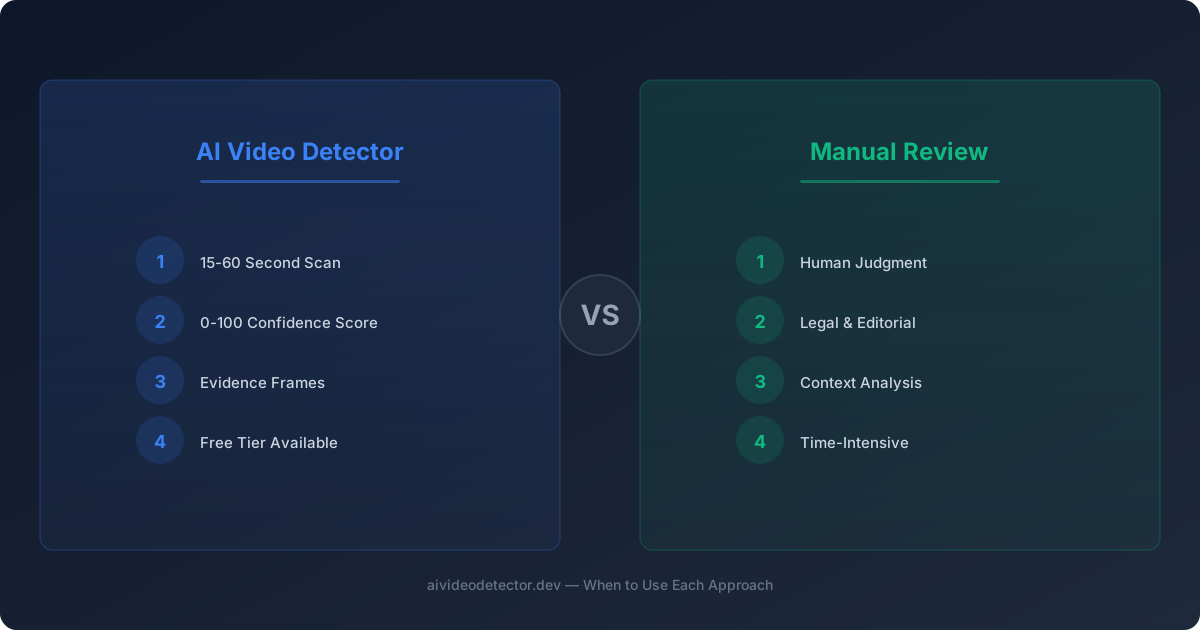
An AI video detector analyzes video content for signals of synthetic generation: temporal inconsistencies, facial landmark anomalies, motion artifacts, and pixel-level patterns that human eyes miss at normal playback speed. AI Video Detector, for example, scans the full video and returns a verdict, a 0–100 confidence score, evidence frames highlighting suspicious regions, and reason codes. The scan takes 15–60 seconds. It works on any video — no special camera, no metadata requirement, no account needed for free scans. For the full feature set, see the homepage.
When Automated Detection Is the Right First Step
Use automated detection when you need to screen large volumes quickly. A content moderator reviewing hundreds of uploads per day cannot watch every clip at half speed. A journalist sorting through a flood of user-generated footage after a crisis event needs a fast triage signal. Automated detection is also the right first step when the video comes from an untrusted source with no provenance metadata — the detector can flag signals you would miss on a phone screen at 1x speed. Free tools like Deepware Scanner work for quick checks, while structured tools provide evidence you can share and document.
When Manual Review Is Necessary
Manual review is essential when the stakes are high. Legal proceedings, law enforcement investigations, editorial decisions about publishing a claim, and identity verification in financial services all require human judgment that no automated tool can replace. A detection result is a statistical signal, not a legal conclusion — it tells you the probability that a video shows synthetic signals, not whether it was created with intent to deceive. In high-risk scenarios, the detector narrows the field; the human makes the call. For understanding the limits of automated results, see Accuracy and Limitations.
The Best Practice: Combine Both
The strongest verification workflows use automated detection as a fast first pass, then manual review on anything flagged or high-risk. Run the video through AI Video Detector to get evidence frames and confidence scores. If the result is clean and the source is trusted, move on. If the result flags signals, or the video involves a public figure, a financial claim, or a legal dispute, slow down and review the evidence frames yourself. Check the specific regions the tool highlighted. Compare the audio with the lip movements. Search for earlier sources. This two-step process catches more than either approach alone — and it scales. For more on how detection signals work, see How to Detect AI-Generated Videos.
Sources
How This Article Was Created
This article was written by the AI Video Detector product team based on internal testing of automated detection workflows compared against manual review processes.